Symfony Lab 1: routing and views

Installing Symfony
Install symfony (using the first command
shown, starting with wget...) and add the path to $PATH in your .bashrc,
as indicated by the installation script.
The symfony command should now work.
Creating the project
Run the following command:
symfony new --webapp --version="6.*" symfonyStarting the server
From your project folder (for example symfony/)
Run:
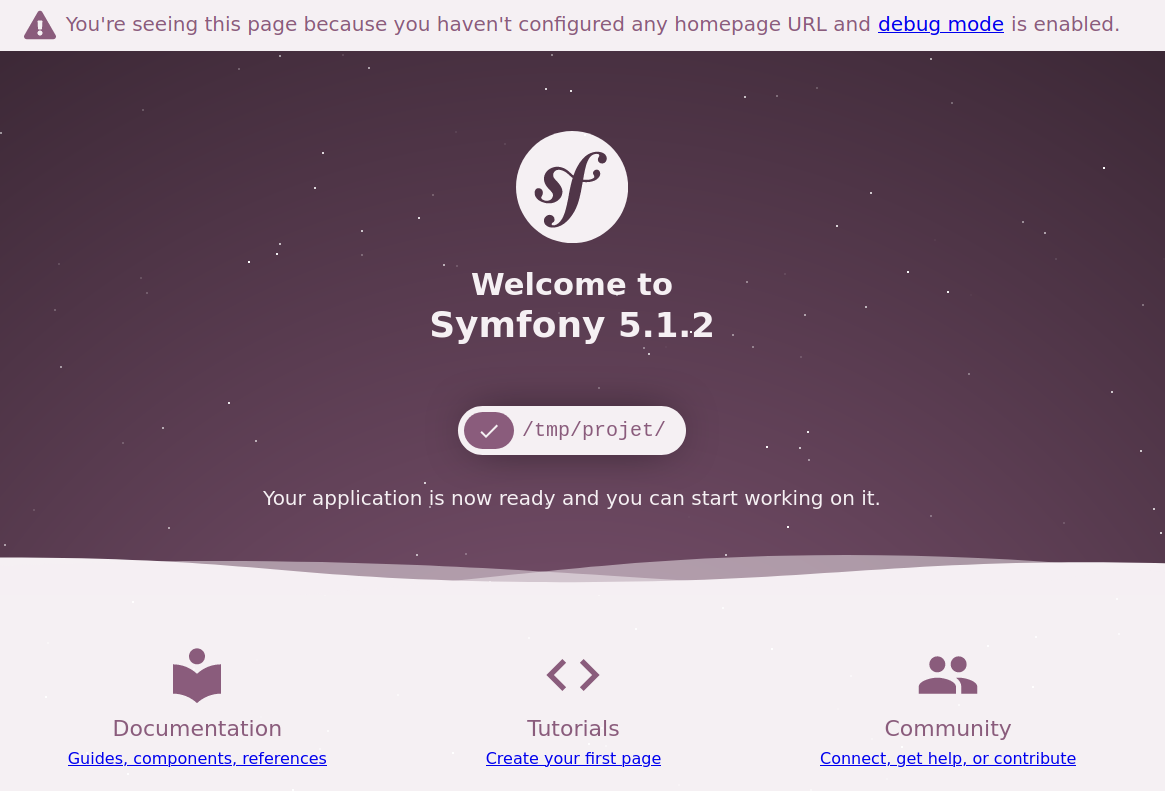
symfony serveAnd go to http://127.0.0.1:8000, you should see a welcome message.
Creating a controller
Create a controller using:
symfony console make:controllerYou can name it DefaultController, for example. Open the files src/Controller/DefaultController.php
and templates/default/index.html.twig and look at the generated code. Go to the /default page to
see the result.
Modify the index() action of DefaultController so that it is served at the / route (the website's
home page), and displays another message.
Adding an action
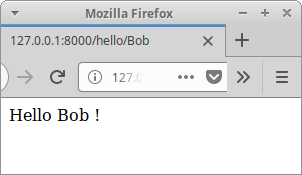
Create a hello() action in DefaultController that responds to the /hello/{name} route and
greets the first name given in the URL.
Creating links
Add links on the home page to hello/Alice and hello/Bob, but do not use
hard-coded links: use Twig's path() function so that even if the address
changes, the links adapt
Template inheritance
Use template inheritance so that the home page and the "hello" page have the same style (a bit of HTML/CSS), with only different content.